A Clearer Way to Download Video and Audio on Desktop with OVD
Saving video or audio for a legitimate use sounds simple until the links start adding up. There may be learning material to watch offline, recordings you own and need to archive, or licensed content that the source allows you to save. When the work is done one link at a time without a clear system, files become scattered, quality choices become inconsistent, and failed downloads are easy to lose track of.
A useful solution needs more than a download button. It needs a workflow people can understand: add a link, review what is available, choose the right output, and monitor everything from one queue.
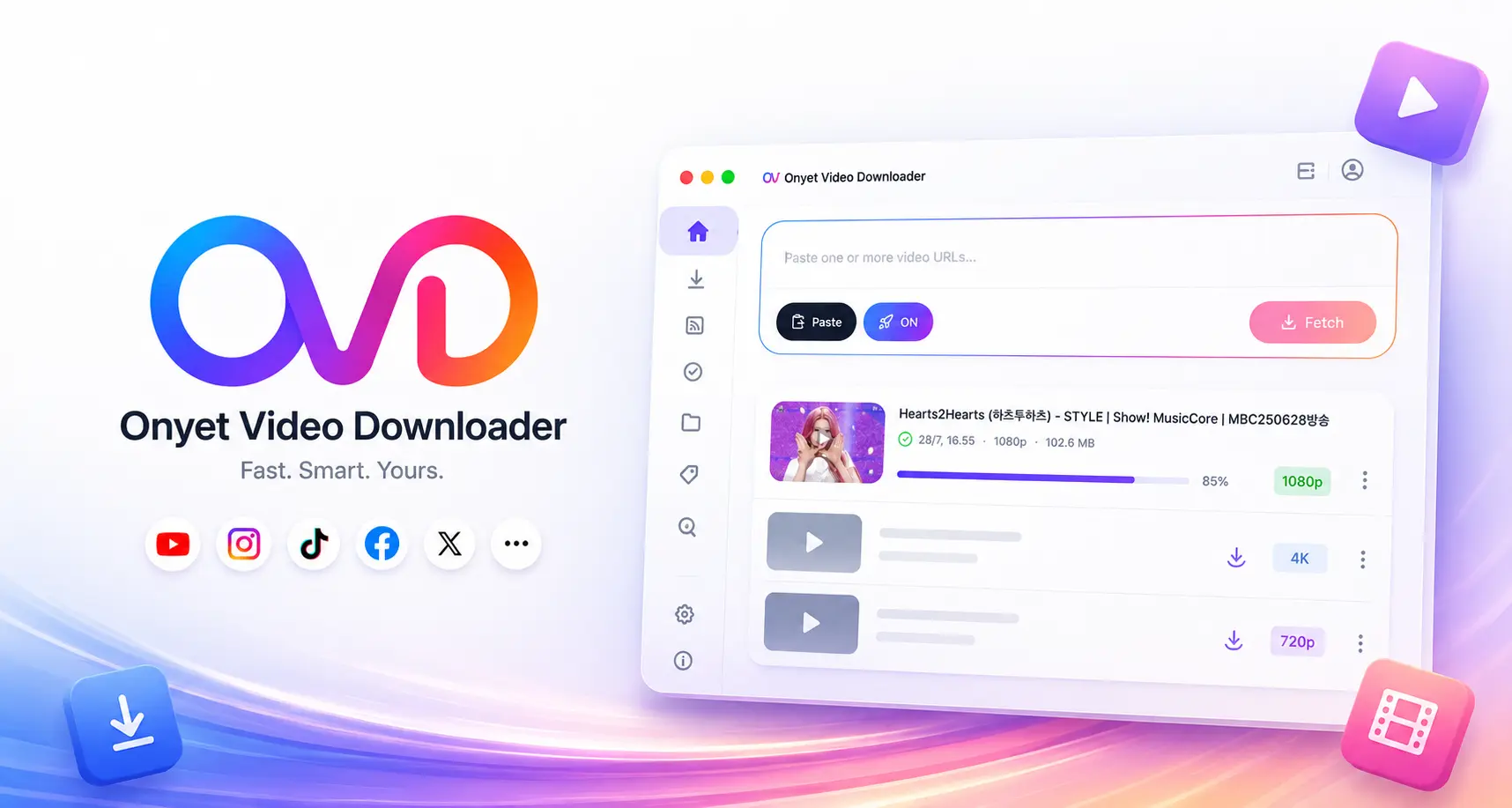
That is the purpose of OVD, short for Onyet Video Downloader. OVD is a free desktop app for saving video and audio from supported websites, with a focused workflow for Windows, macOS, and Linux. Users can download the installer for their platform directly from the OVD page at no cost.
Start with the right links
Every download begins with a supported URL. On the Download page, users can paste one link or several at once. To build a queue, place each URL on a new line. This is useful when you already have a list of material to process and do not want to repeat the same steps over and over.
After selecting Fetch, OVD shows the information available from the source, such as a title, thumbnail, quality, and format. This step matters because file choices are not identical on every website or for every video. Reviewing the information first makes it easier to select an appropriate result before a download begins.
Choose video, audio, or a playlist for the job
Not every need calls for a full video file. For music, podcasts, audio lessons, or voice archives, an audio format can save storage space. For visual material, users can select from the video quality supplied by the source. When a source supports playlists, OVD can also process them as part of a queue.
Quality is a preference, not an absolute guarantee. The source website must provide that quality and codec. When the exact choice is unavailable, the app may use the closest compatible format or present a clear fallback message. That is more useful than waiting for a file that the source cannot supply.
Make a more deliberate container and codec choice
A container is the file wrapper, such as MP4 or MKV. A codec determines how the video is encoded. OVD lets users choose a container and prefer H.264/AVC, AV1, or VP9 when those options are available.
For broad compatibility, H.264/AVC is often a reliable choice because it is supported by many devices and media players. AV1 can offer smaller files at comparable quality, but device and player support varies. VP9 can also be a good option when both the source and the destination device support it.
There is no single format that is best for every case. Use H.264/AVC when a file needs to play across many devices, consider AV1 when storage efficiency matters and the hardware supports it, and review the source information before choosing an output.
Queues and history keep work from stopping halfway
When several downloads are running, speed is not the only concern. Users also need to know what is active, complete, or failed. OVD provides progress monitoring, retries for failed items, and download history so a process does not have to restart from zero because one item encountered a problem.
By default, completed files are saved in the OVD-Files folder. The destination can be changed in Settings to fit your own folder structure. From download history, use Open Folder to locate a completed file directly instead of searching manually.
RSS for recurring downloads
For supported sources, RSS can make a workflow more continuous. Users can add a subscription and allow OVD to check for new content according to the available settings. This can be useful for channels, feeds, or recurring sources that you are entitled to save and follow.
RSS is not a reason to download everything without consideration. Use it only with supported sources, understand the access rights involved, and make sure use of the content continues to respect the source terms and the content owner’s rights.
Simple habits for cleaner results
Before selecting Download, check the title, quality, format, and destination folder. Pay attention to file size when storage is limited. For a long list, add links in manageable batches so the queue remains easy to monitor. Once finished, open the result folder and use a consistent naming or folder structure to keep your archive searchable.
OVD is designed to make this process clearer, not more complicated. OVD is free to download and use. Visit the OVD product page to see the application screenshots, then download the Windows, macOS, or Linux installer for your desktop platform.