Important Calls Should Not Disappear: Turn Every Conversation Into a Clear Follow-Up
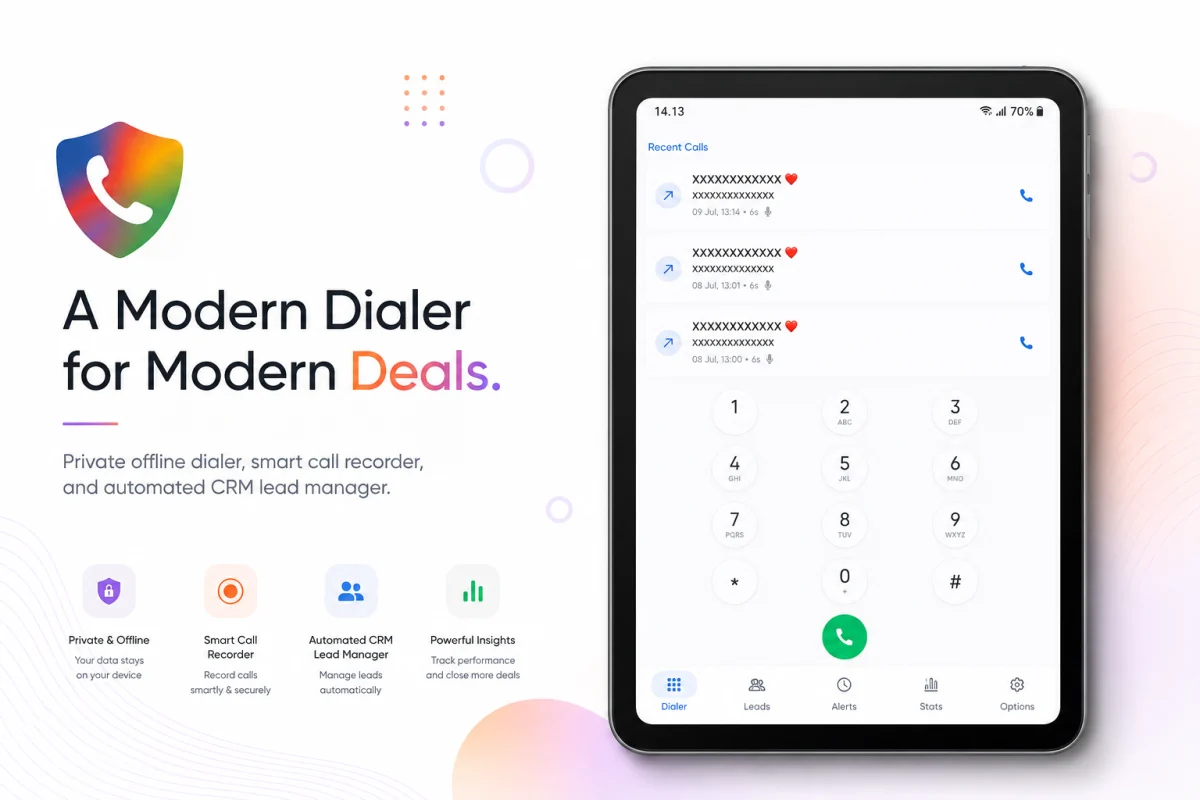
Phone calls are still central to many kinds of work. Customers want a quick answer, prospects want to talk through an idea, team members need confirmation, and families or communities often resolve urgent matters by phone. The issue is that, once a call ends, it can also disappear from attention. The number remains in the call log, but the context of the conversation is gone.
“What did I need to send?” “When did they ask me to call back?” “Was this a serious prospect or an initial enquiry?” Small questions like these can make follow-up harder than it needs to be. It is not always about having too many calls. Important information is simply split between a call log, chats, personal notes, and memory.
That is where a simple follow-up habit becomes valuable.
The problem is more than a missed call
A built-in call history shows who called and when the call happened. It does not usually answer the more useful questions: what was agreed, and what needs to happen next?
These situations are familiar:
- A customer asks for a call next week, but there is no reminder.
- A new number appears in the call log with no name, need, or context.
- Prospect notes live in a different app from call activity.
- Follow-up relies on memory and gets delayed during a busy day.
- It becomes difficult to separate priority contacts from routine conversations.
For small business owners, service teams, salespeople, freelancers, and anyone handling a lot of communication, this can leave good opportunities sitting in a single conversation. A late response does not always mean a lack of care. Often, the system simply has not helped the person remember at the right moment.
Make one call part of a short workflow
Follow-up does not need to be heavy or resemble a large-company CRM. Start with a routine that can take just a few minutes after a call:
- Identify the contact and the purpose of the conversation.
- Give it a simple status, such as follow up needed, considering, or complete.
- Write one or two notes that preserve the key context.
- Set a reminder for the next step when one is needed.
This turns a call from a momentary event into work that can be revisited. When the contact appears again, you do not have to rely on memory to understand the previous conversation.
Keeping call context with Dialga
Dialga - Dial Guard Assistance helps Android users manage this process with a dialer experience and more structured lead and follow-up management.
After speaking with someone, users can review call activity, organise a contact as a lead, apply categories such as Hot, Warm, Cold, or General, and add relevant tags and notes. A phone number becomes more than a row of digits: it carries context that can be read again later.
Dialga also provides a locally saved interaction history, allowing conversation notes to stay together on the device. When a conversation needs another action, reminders make it possible to choose a follow-up time instead of leaving it to memory.
For a wider view of work, Dialga includes insights for activity and leads. This can support a regular review: which contacts are waiting for a response, which are moving forward, and which no longer need attention.
A realistic example
Imagine a service business owner receives a call from a prospect asking for a cost estimate. After the call, they add a short note with the prospect’s needs, decision deadline, and the document that must be sent. They mark the lead as Warm and set a reminder for two days later. When that reminder arrives, they already know the context needed for the next conversation.
Another example is a community coordinator who needs to call many members. Consistent notes and statuses make it easier to distinguish who has been reached, who requested another time, and who needs another reminder. Coordination becomes calmer without creating a complicated spreadsheet for simple conversations.
Not every contact needs to become a lead. That is exactly why grouping is useful. General contacts can remain ordinary communications, while conversations that need an action receive the right attention.
The five-minute habit that makes a difference
Technology works best alongside the right habit. After an important call, take a moment to answer three questions: what does this person need, when should I respond, and what detail must not be forgotten? A short, clear note is more useful than a long note that is never opened again.
Use statuses consistently as well. Give each category a straightforward meaning so the list is easy to understand later. The goal is not to create many categories. The goal is to find priorities without guessing.
To make work calls, prospect conversations, or community communication easier to follow through, visit the Dialga product page to explore its features and download it from Google Play.